
I always felt my furry art looked “kinda off”… but I could never explain why. One recording finally showed me the truth.
One recording finally revealed the real reason
I always felt my art looked “off”… like something invisible was missing.
It wasn’t talent.
It was a step no one shows.
Press play.
You’ll see the exact moment most artists get it wrong.

Instant access • 6 full pro workflows • Watch anytime
Watch my full, uncut workflows and finally see every hidden decision behind pro-level art, so you can stop guessing alone and start finishing pieces you are proud of.
Shading, lighting, fur, armor. Everything.
Follow along, pause anytime, and see exactly how I create my finished pieces.

You've watched tutorials.
You've copied techniques.
Finally finish pieces you're proud to post, without guessing what's wrong anymore.
6 finished pieces. Recorded uncut. Every brush choice, every fix, every decision a pro makes in real time. Joined by 84+ artists already inside.

What nobody shows you
You're not bad at art.
You just never saw how a real piece actually gets built.
Nobody shows you the full process, the decisions, the "wait, this isn't working" moments.
That's where the real learning lives. And that's exactly what every tutorial cuts out.
I spent years doing the same. Another tutorial. Another brush pack. I improved, but I was still guessing. Then I started watching full, uncut processes from artists better than me. That's when it finally clicked.

6 complete processes by Gabyt.
Raw, uncut and real.
This Is Your Art Booster
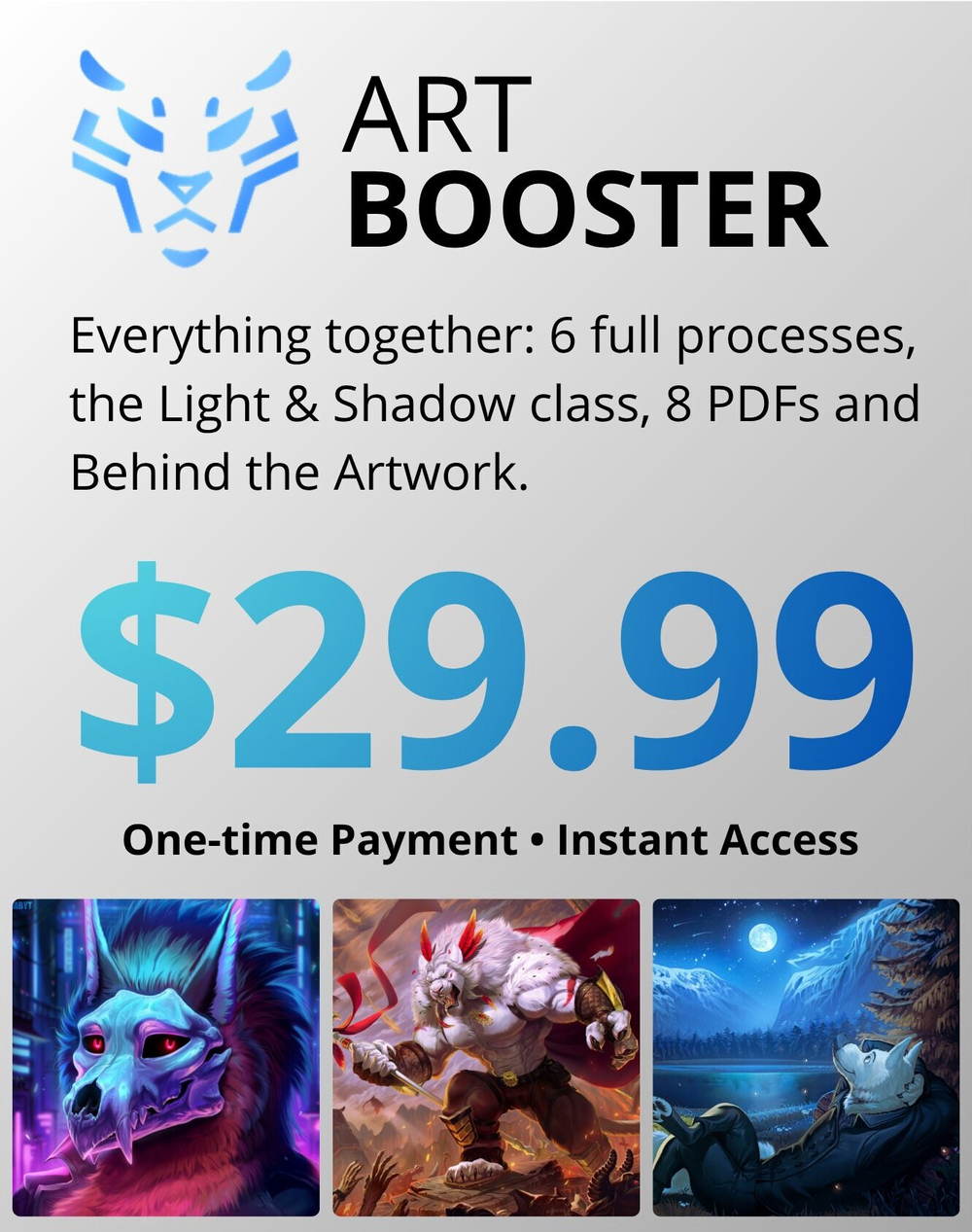
That "real process from start to finish" you needed? It's right here. Six complete pieces by Gabyt, recorded in real time. The rough starts, the wrong turns, the moments of doubt, and the decisions that make a painting finally click. This is everything tutorials cut out, and exactly what's been missing from your studies.
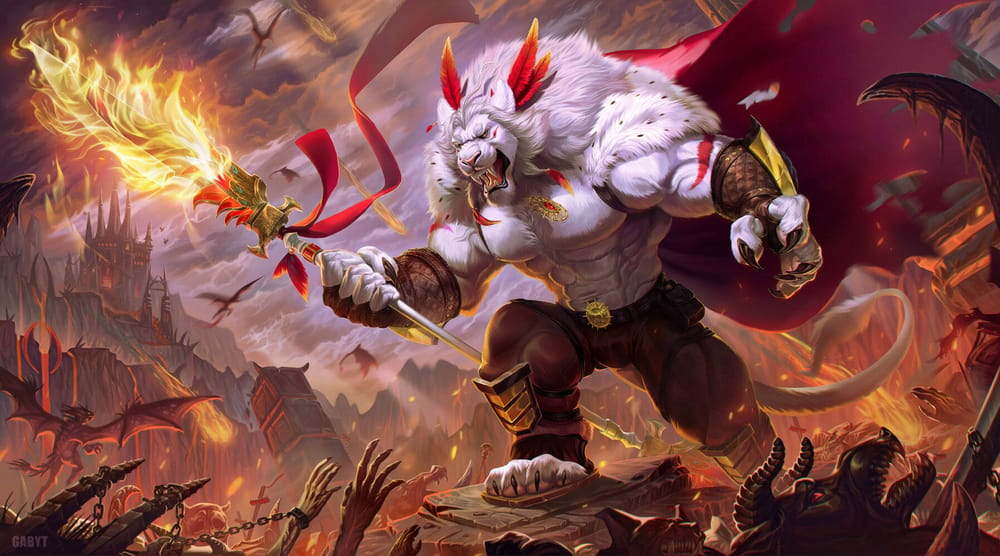
Courageous White Lion (+30 hours)
Master full character work from blank canvas to final render. You'll learn to paint fire, fur, armor, and cinematic lighting that turns studies into finished pieces.
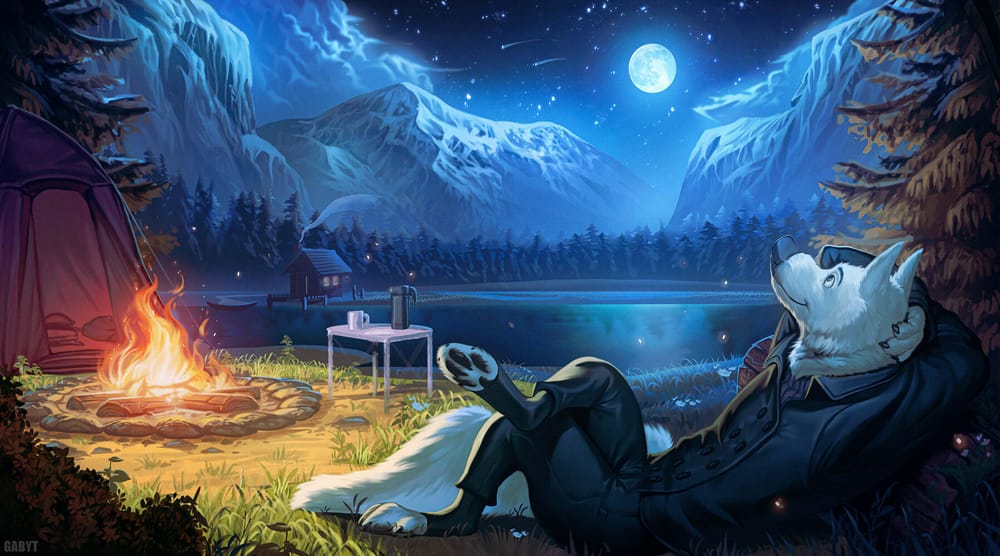
Mountain Camp
(+6 hours)
Learn to paint environments that feel alive. Control atmosphere, build real depth, and balance warm firelight against cool moonlight with confidence.

Wolf Warrior
(+30 hours)
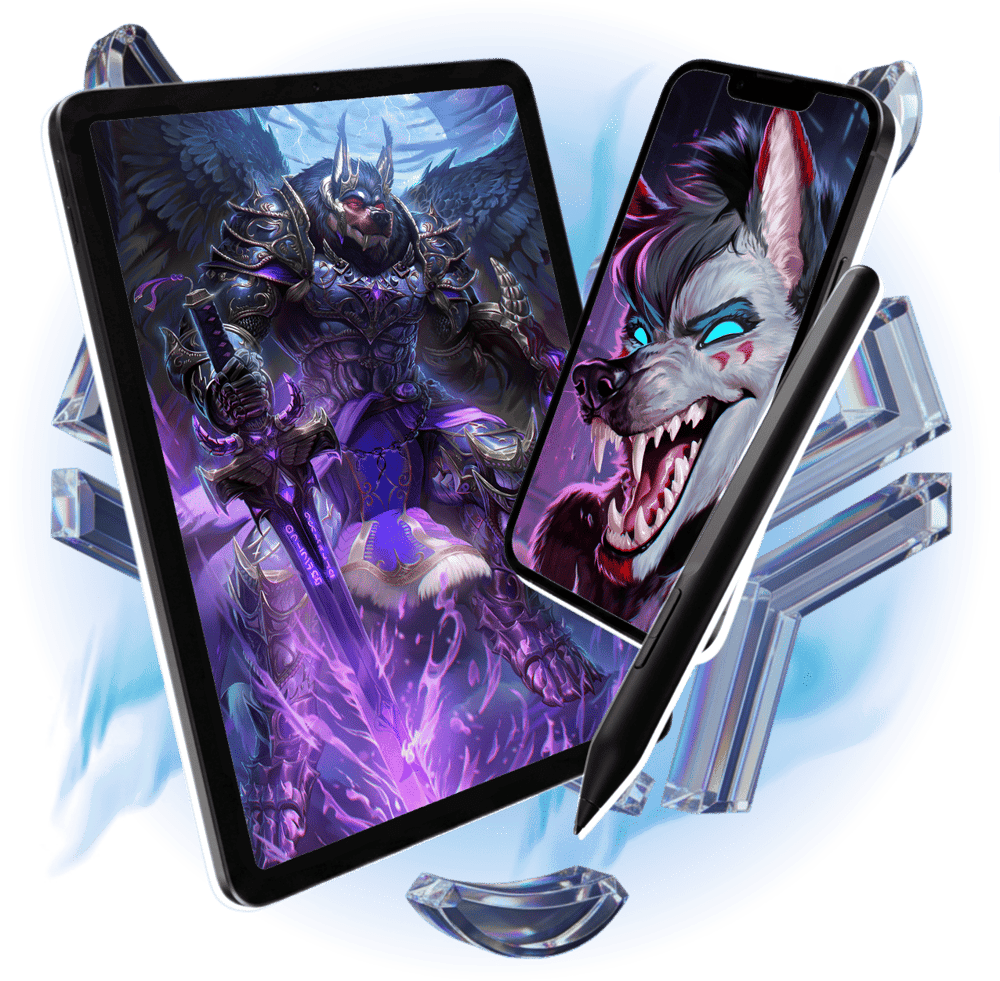
The most ambitious piece in the course. Walk through armor, anatomy under heavy gear, massive detailed wings, and magic effects that actually look magical.
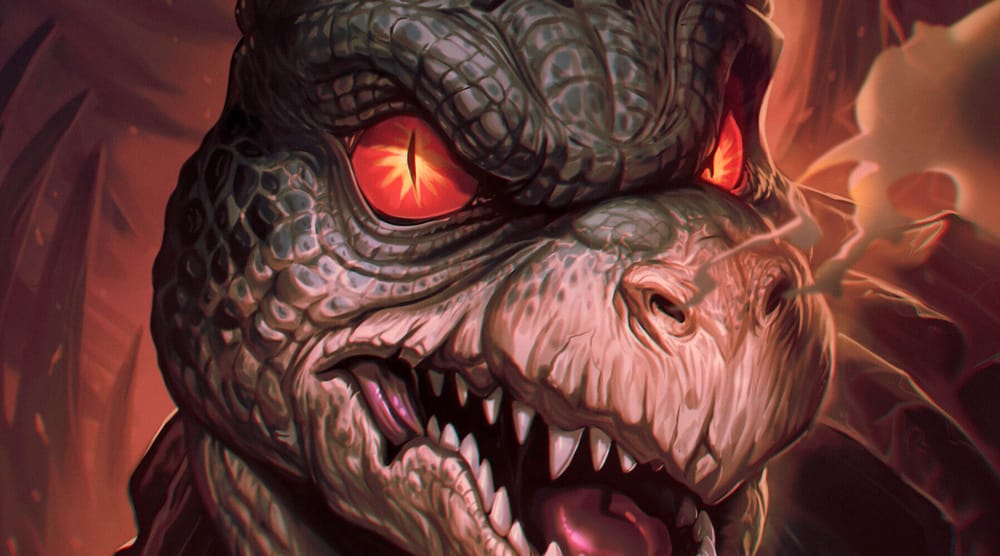
Realistic Scales Monster (+4 hours)
A repeatable method for painting reptile skin and scale texture. The same approach works on dragons, lizards, and any creature design you'll tackle later.

Neon Nights Duo 1
(+4 hours)
The color logic behind great neon scenes. Push contrast without breaking harmony and build that glowing atmosphere your cyberpunk pieces have been missing.
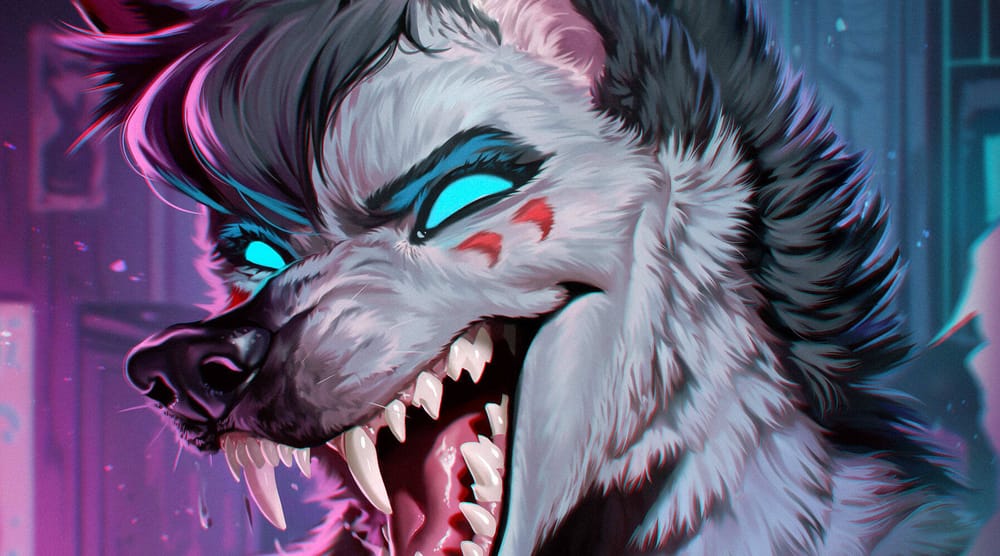
Neon Nights Duo 2
(+4 hours)
A close-up masterclass in expressive creature portraits. Paint realistic fur, sharp readable features, and luminous accents that pull the eye exactly where you want it.
78+ hours of full painting processes. All yours, forever.
78+ hours of full painting processes. All yours, forever.
BONUSES
Four extra resources I built for my own work, now yours when you join today.
8 PDFs: Gabyt's Reference Library
Eight downloadable guides covering the concepts I use in every piece. The things I wish someone had handed me when I started. Study offline, anytime.
$17.00
$0.00
The White Lion PSD File
The original Photoshop file of the White Lion piece. Every layer, every group, every decision visible. Open it and study how a finished pro file is actually structured.
$19.00
$0.00
Behind the White Lion Artwork
A 12-minute breakdown of the White Lion piece, walking through the main creative decisions, workflow, and painting process from above.
$12.00
$0.00
Secret Class: Light & Shadow
My voice, step by step, teaching exactly how I handle light and shadow on a character. Watch once and you'll see lighting differently forever.
$29.00
$0.00

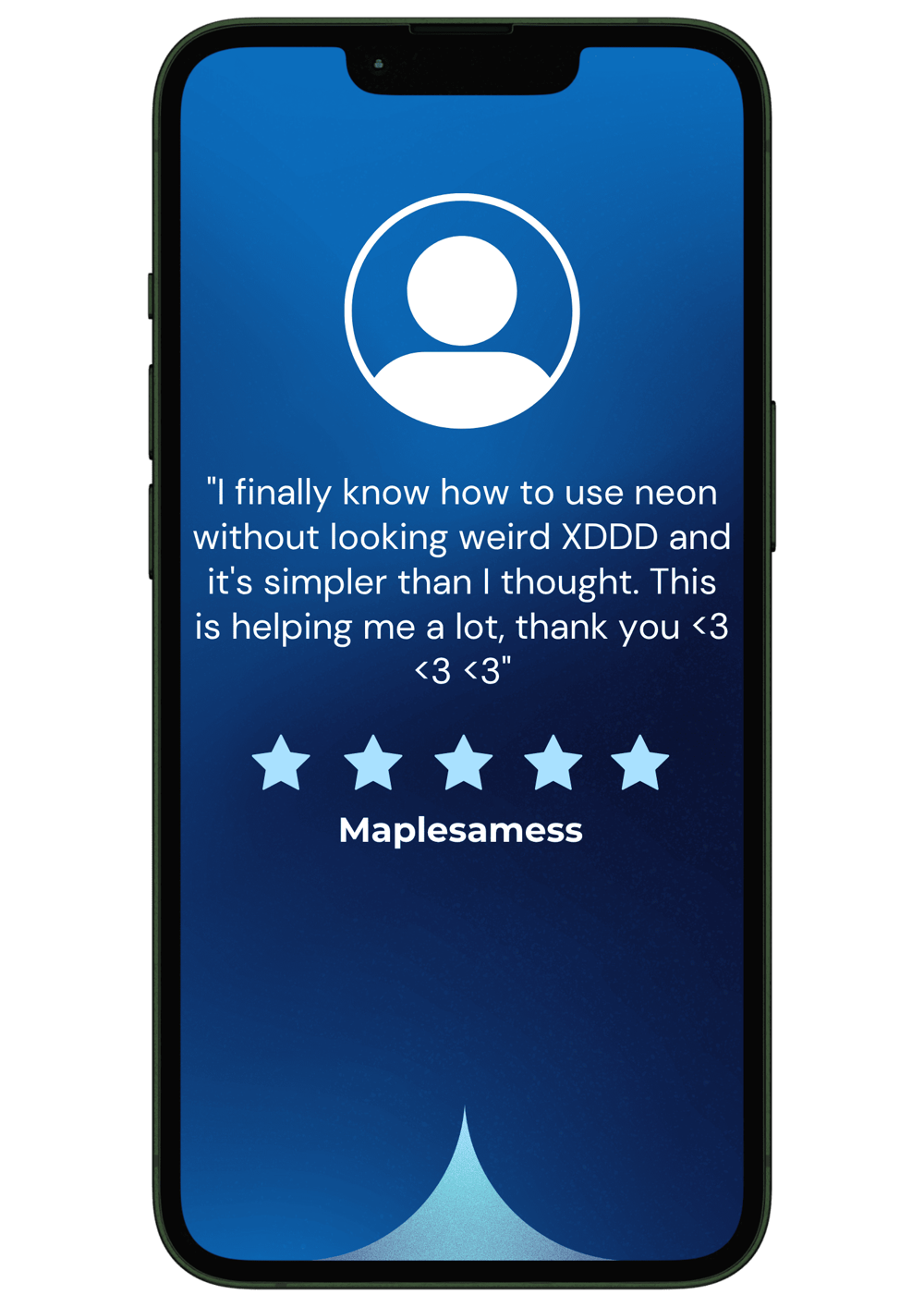
Don't take my word for it.
Here's what the artists inside are saying.


Who will be your teacher?
The artist behind everything you're about to watch.
Hi, I'm Gabyt.
I'm a digital artist, educator, and creator. And I've been drawing seriously since I was a kid. At 15, I won first place in the Toyota Dream Car World Contest.
That was the first moment I realized art could actually become something.
Since then, I've spent 15+ years in digital and character art, building a global audience through honest teaching and zero gatekeeping. My YouTube channel has 44k+ subscribers
and 3M+ views, full of real processes, real breakdowns, and the kind of honest talk most creators skip.
Every course, every art, every process here is made by my own hands. No AI art. No filters. If you're here, you probably care about your art, even if you're feeling stuck, tired, or unsure what to do next.
That's exactly who I built this for.

Frequently Asked Questions
Yes :) You can see the full process of all my brush strokes. I know how many artists in today's world feel bad for what is happening about AI so all the safety and confirmation I can give about it that there is light at the end, I shall give.
No, these are the full video processes of my paintings. No audio, just pure work for many hours which you can use in your favor to get all my techniques.
This Art Booster is perfect for all levels! whether you’re just starting or looking to refine your professional workflow.
Yes! The techniques work for any style. Whether you paint semi-realistic, fantasy, or stylized art.
Any digital painting software that supports layers (Photoshop, Clip Studio, Procreate, Medibang,etc.).
All of those have curves tool, gradient map and a smudge tool alike ( just the name changes )
Absolutely! Feel free to email me anytime at gabyt.contact@gmail.com.
contact: gabyt.contact@gmail.com
Copyright © 2026 | All Rights Reserved.
This site is not a part of Facebook or Facebook Inc. It is also not endorsed by Facebook in any way.
“Facebook” is a registered trademark of FACEBOOK, Inc.

You've watched tutorials.
You've copied techniques.
Finally finish pieces you're proud to post, without guessing what's wrong anymore.
6 finished pieces. Recorded uncut. Every brush choice, every fix, every decision a pro makes in real time. Joined by 84+ artists already inside.
It's time to change!
You're not bad at art.
You just never saw how it actually gets made.
Nobody shows you the full, honest picture the decisions, the second-guessing, the moment where it all clicks.I've been there.
I used to stare at my work and feel like something invisible was wrong. Nothing I tried actually fixed it.Then I realized: I didn't need another lesson. I needed to see a real process from start to finish no script, no shortcuts, no pretending it's easy.
6 complete processes by Gabyt.
Raw, uncut and real.
This Is Your Art Booster
That "real process from start to finish" you needed? It's right here. Six complete pieces by Gabyt, recorded in real time. The rough starts, the wrong turns, the moments of doubt, and the decisions that make a painting finally click. This is everything tutorials cut out, and exactly what's been missing from your studies.
Courageous White Lion
(+30 hours)
Master full character work from blank canvas to final render. You'll learn to paint fire, fur, armor, and cinematic lighting that turns studies into finished pieces.
Mountain Camp
(+6 hours)
Learn to paint environments that feel alive. Control atmosphere, build real depth, and balance warm firelight against cool moonlight with confidence.
Wolf Warrior
(+30 hours)
The most ambitious piece in the course. Walk through armor, anatomy under heavy gear, massive detailed wings, and magic effects that actually look magical.
Realistic Scales Monster
(+4 hours)
A repeatable method for painting reptile skin and scale texture. The same approach works on dragons, lizards, and any creature design you'll tackle later.
Neon Nights Duo 1
(+4 hours)
The color logic behind great neon scenes. Push contrast without breaking harmony and build that glowing atmosphere your cyberpunk pieces have been missing.
Neon Nights Duo 2
(+4 hours)
A close-up masterclass in expressive creature portraits. Paint realistic fur, sharp readable features, and luminous accents that pull the eye exactly where you want it.
78+ hours of full painting processes. All yours, forever.
BONUSES
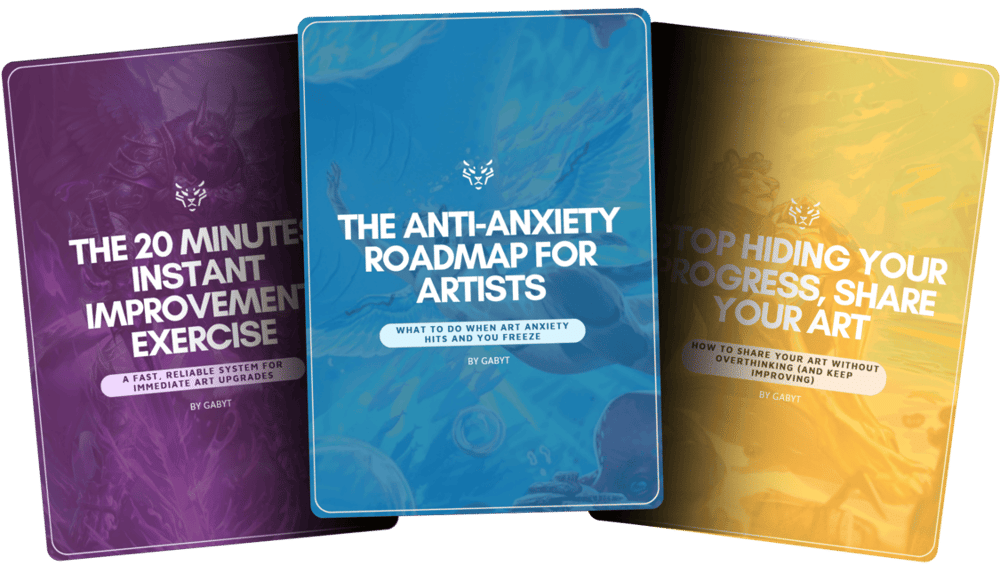
8 PDFs: Gabyt's Reference Library
Eight downloadable guides covering the concepts I use in every piece. The things I wish someone had handed me when I started. Study offline, anytime.
$17.00
$0.00

The White Lion PSD File
The original Photoshop file of the White Lion piece. Every layer, every group, every decision visible. Open it and study how a finished pro file is actually structured.
$19.00
$0.00
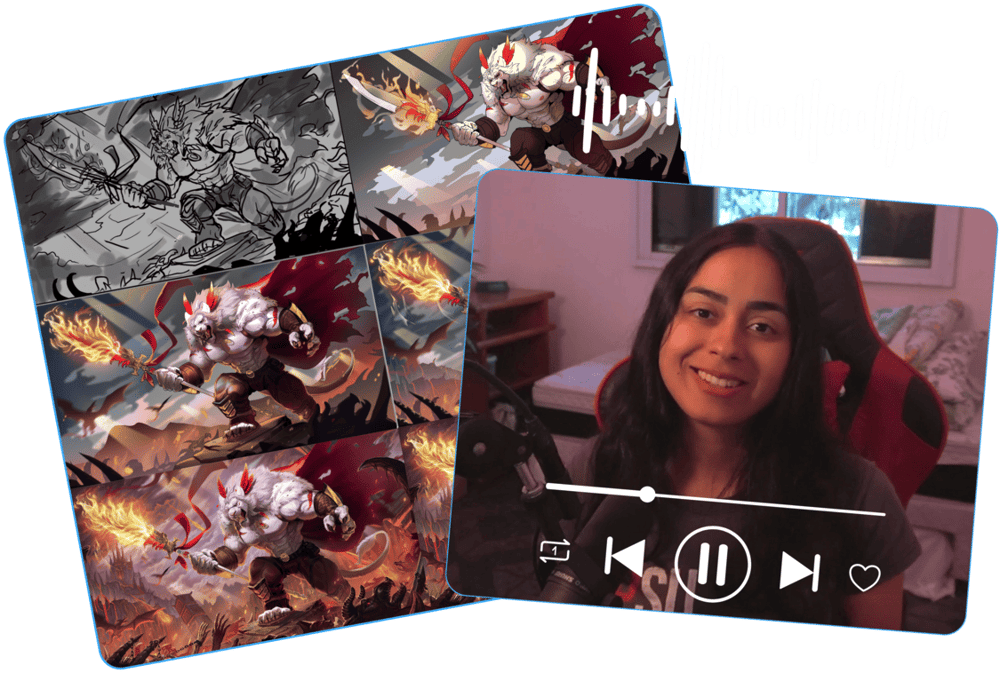
Behind the White Lion Artwork
A 12-minute breakdown of the White Lion piece, walking through the main creative decisions, workflow, and painting process from above.
$12.00
$0.00

Secret Class: Light & Shadow
My voice, step by step, teaching exactly how I handle light and shadow on a character. Watch once and you'll see lighting differently forever.
$29.00
$0.00
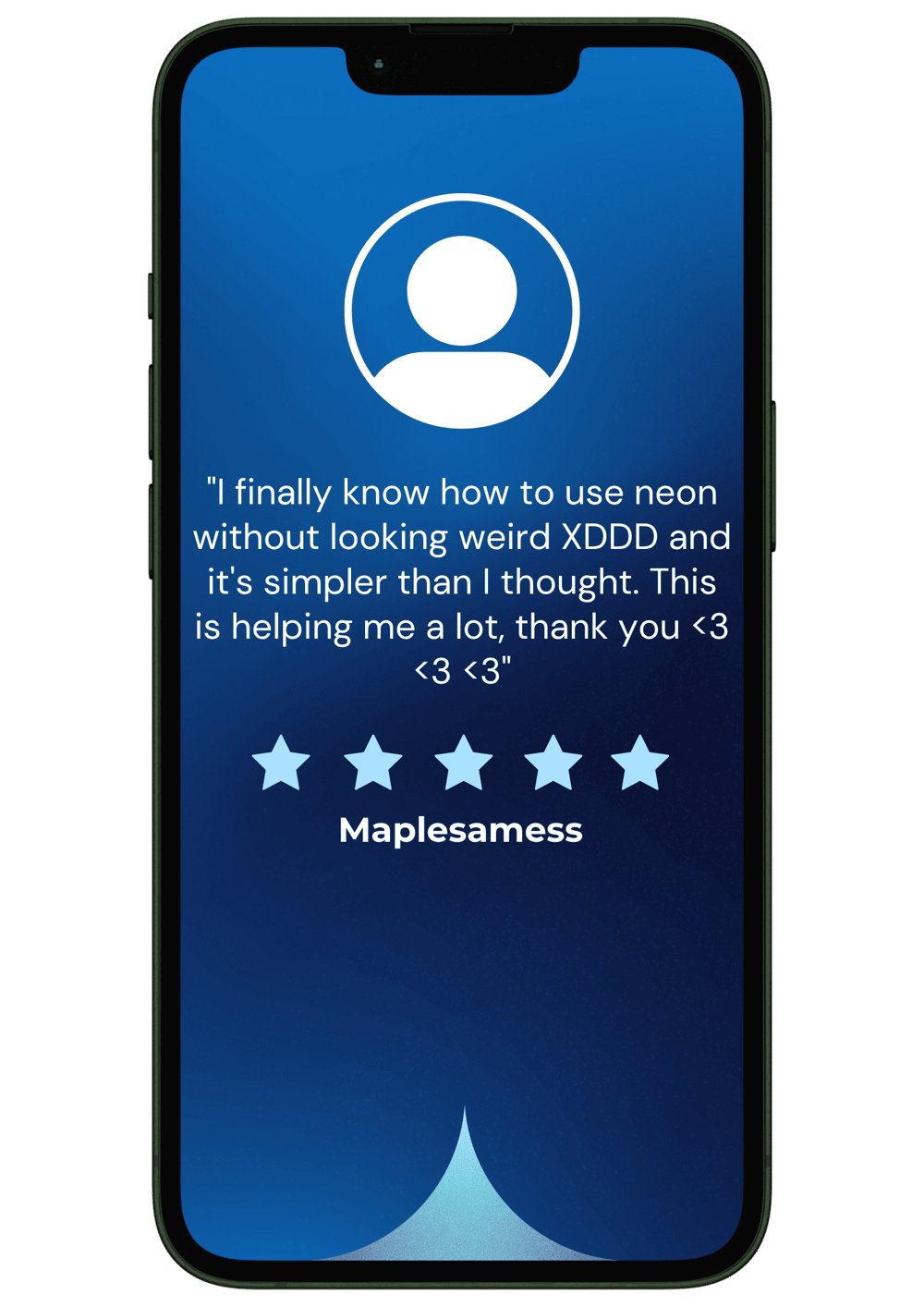
Don't take my word for it.
Here's what the artists inside are saying.


Who will be your teacher?
The artist behind everything you're about to watch.
Hi, I'm Gabyt.
I'm a digital artist, educator, and creator. And I've been drawing seriously since I was a kid.
At 15, I won first place in the Toyota Dream Car World Contest.
That was the first moment I realized art could actually become something.
Since then, I've spent 15+ years in digital and character art, building a global audience
through honest teaching and zero gatekeeping. My YouTube channel has 44k+ subscribers
and 3M+ views, full of real processes, real breakdowns, and the kind of honest talk most creators skip.
Every course, every art, every process here is made by my own hands. No AI art. No filters.
If you're here, you probably care about your art, even if you're feeling stuck, tired, or unsure what to do next.
That's exactly who I built this for.
Frequently Asked Questions
Yes :) You can see the full process of all my brush strokes. I know how many artists in today's world feel bad for what is happening about AI so all the safety and confirmation I can give about it that there is light at the end, I shall give.
No, these are the full video processes of my paintings. No audio, just pure work for many hours which you can use in your favor to get all my techniques.
This Art Booster is perfect for all levels! whether you’re just starting or looking to refine your professional workflow.
Yes! The techniques work for any style. Whether you paint semi-realistic, fantasy, or stylized art.
Any digital painting software that supports layers (Photoshop, Clip Studio, Procreate, Medibang,etc.).
All of those have curves tool, gradient map and a smudge tool alike ( just the name changes )
Absolutely! Feel free to email me anytime at gabyt.contact@gmail.com.
Copyright © 2026 | All Rights Reserved.
This site is not a part of Facebook or Facebook Inc. It is also not endorsed by Facebook in any way.
“Facebook” is a registered trademark of FACEBOOK, Inc.
contact: gabyt.contact@gmail.com
Copyright © 2026 | All Rights Reserved.